Okay, picture this: you finally found the book. It’s been on your TBR list for ages, you’ve downloaded the .epub, and you're ready. You open it up… and BAM! The cover is some blurry, pixelated mess that looks like it was designed in 1998 on Windows 95. Seriously, it's offensive to the eyes. Been there, felt that. You feel deflated, right? Like someone just served you a gourmet meal on a chipped plastic plate. The content might be amazing, but that first impression? Ouch.
Well, good news! You're not doomed to stare at digital ugliness forever. Changing the cover of your .epub file is surprisingly easy, and it can make a world of difference to your reading experience. Think of it as giving your digital books a mini-makeover.
Why Bother Changing the Cover?
Besides the obvious aesthetic reasons (like saving your eyes from visual assault!), there are other perks:
- Organization: A clear, consistent cover helps you quickly identify the book in your digital library. Especially if you, like me, have approximately 7 billion ebooks.
- Personalization: Use a cover that you like! Maybe you found a beautiful fan-made cover online, or you want to create your own. Go wild!
- Fixing Errors: Sometimes the metadata is messed up, and the cover is completely wrong. Correcting it makes the book actually identifiable.
So, how do we actually do this magic?
Tools of the Trade
You'll need a good e-book management program. My personal weapon of choice? Calibre. It’s free, open-source, and incredibly powerful. Plus, it's available for Windows, macOS, and Linux. (Seriously, if you're not using Calibre, you're missing out.)
There are other options, of course. Sigil is a popular e-book editor that gives you more direct control over the .epub file’s code (but it's also a bit more complex). Adobe Digital Editions is another option, but it’s not as feature-rich as Calibre, particularly for advanced edits. Really though, stick with Calibre unless you have a compelling reason to do otherwise.
The Calibre Method: A Step-by-Step Guide
Okay, let’s get down to business:
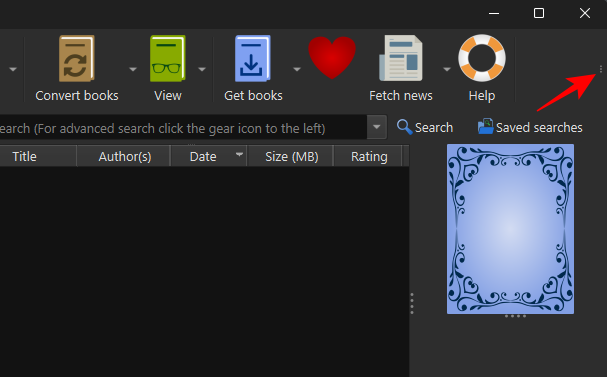
- Install Calibre: Download and install Calibre from its official website. (Pretty straightforward, right?)
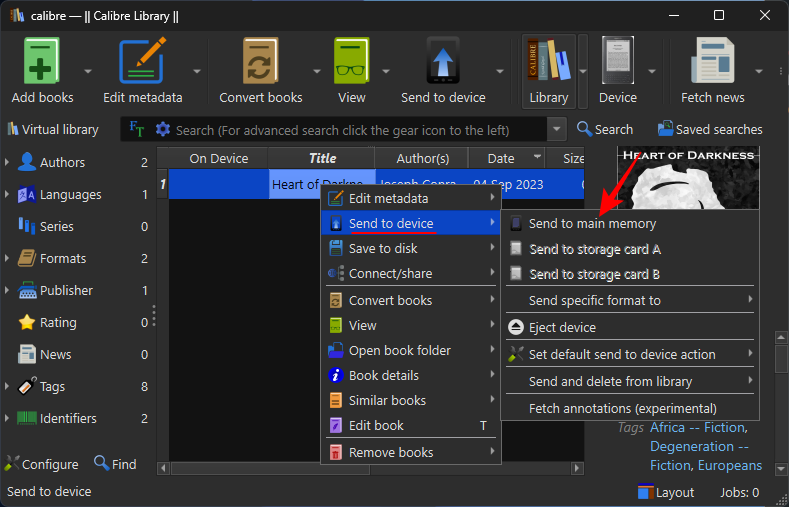
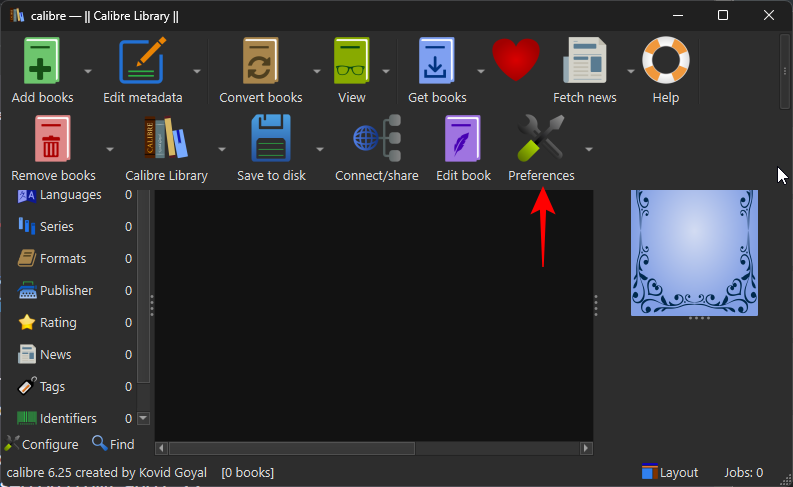
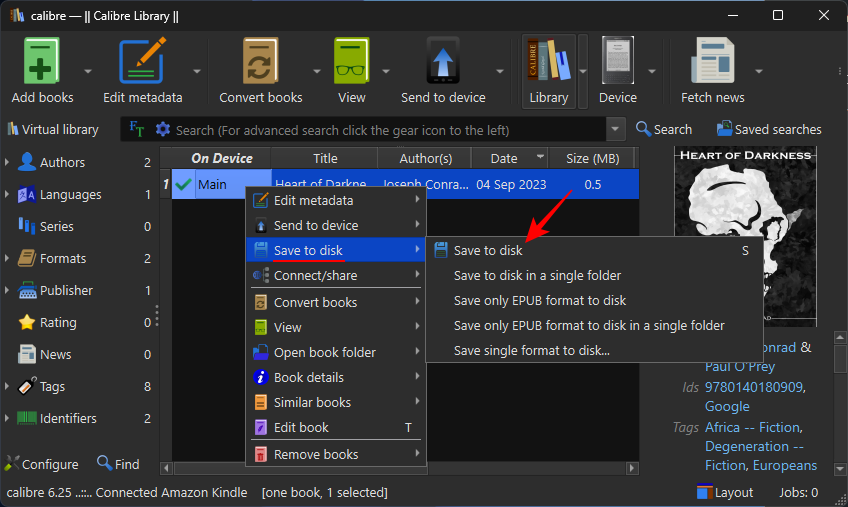
- Add your book to Calibre: Click the "Add books" button and select your .epub file.
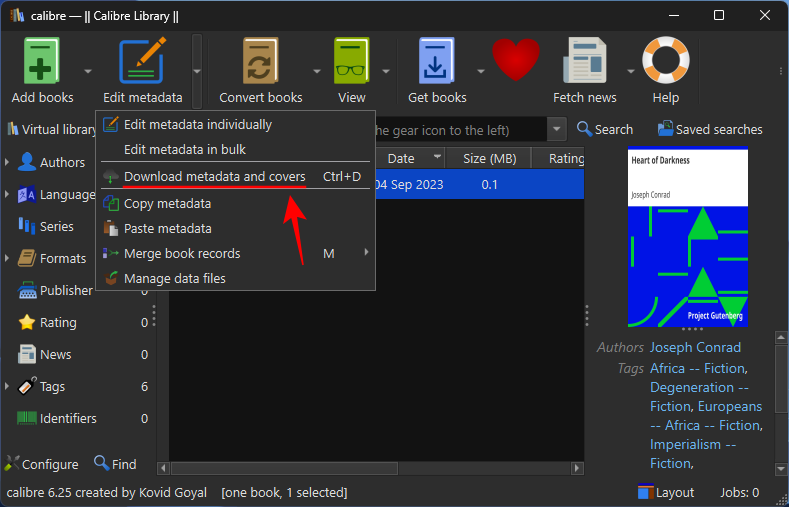
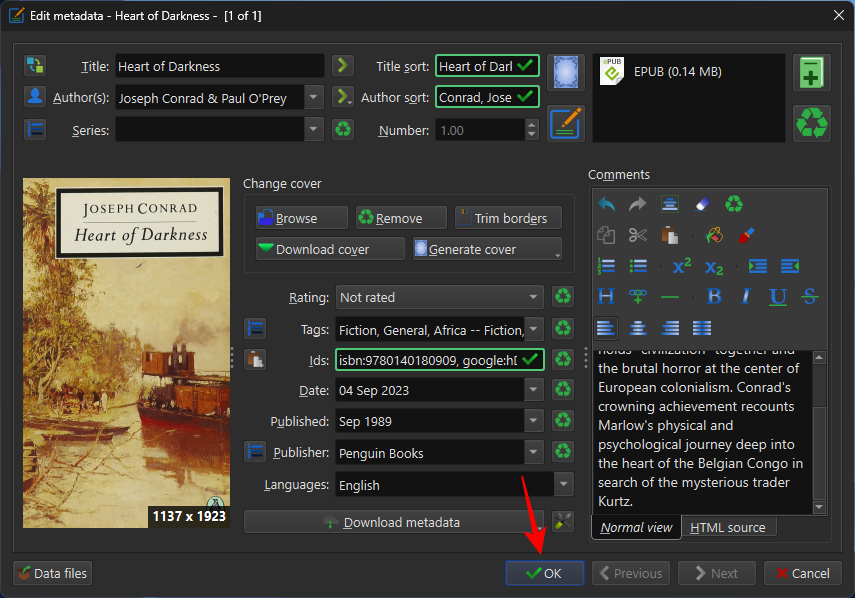
- Edit Metadata: Right-click on the book and choose "Edit metadata" then "Edit metadata individually".
- Change the cover: Look for the "Cover" section. You'll see an option to "Browse" for a new cover image file. You can use a .jpg, .png, or other common image format. (Pro tip: make sure the image is reasonably high resolution for best results!)
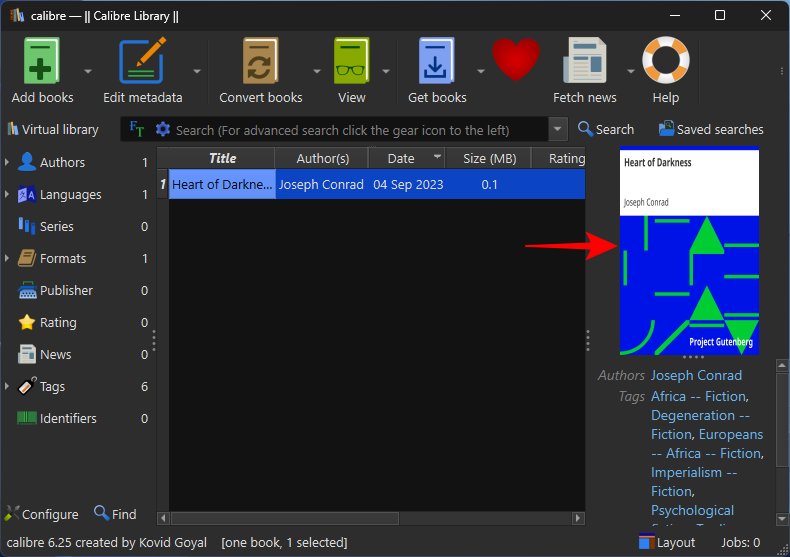
- Apply changes: Click "OK" to save the changes. Calibre will automatically update the cover for the book in your library.
That’s it! Now your book should be sporting a brand new, and hopefully much improved, cover. Go forth and banish ugly e-book covers from your life!
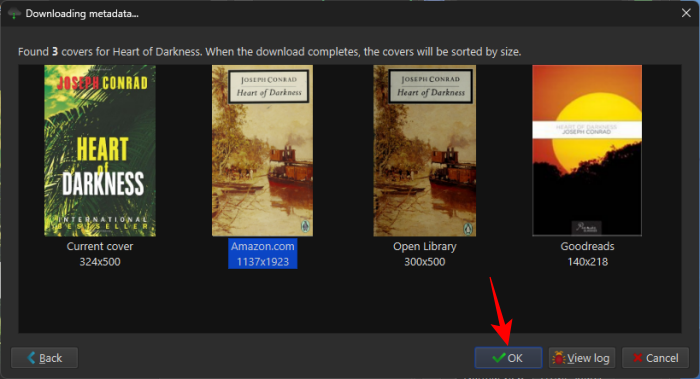
Bonus tip: If you’re feeling really adventurous, you can even download cover art from websites like Goodreads or Amazon, save them to your computer, and then use them in Calibre. Just make sure to respect copyright laws! Don't go slapping copyrighted images on books willy-nilly!
Happy reading!