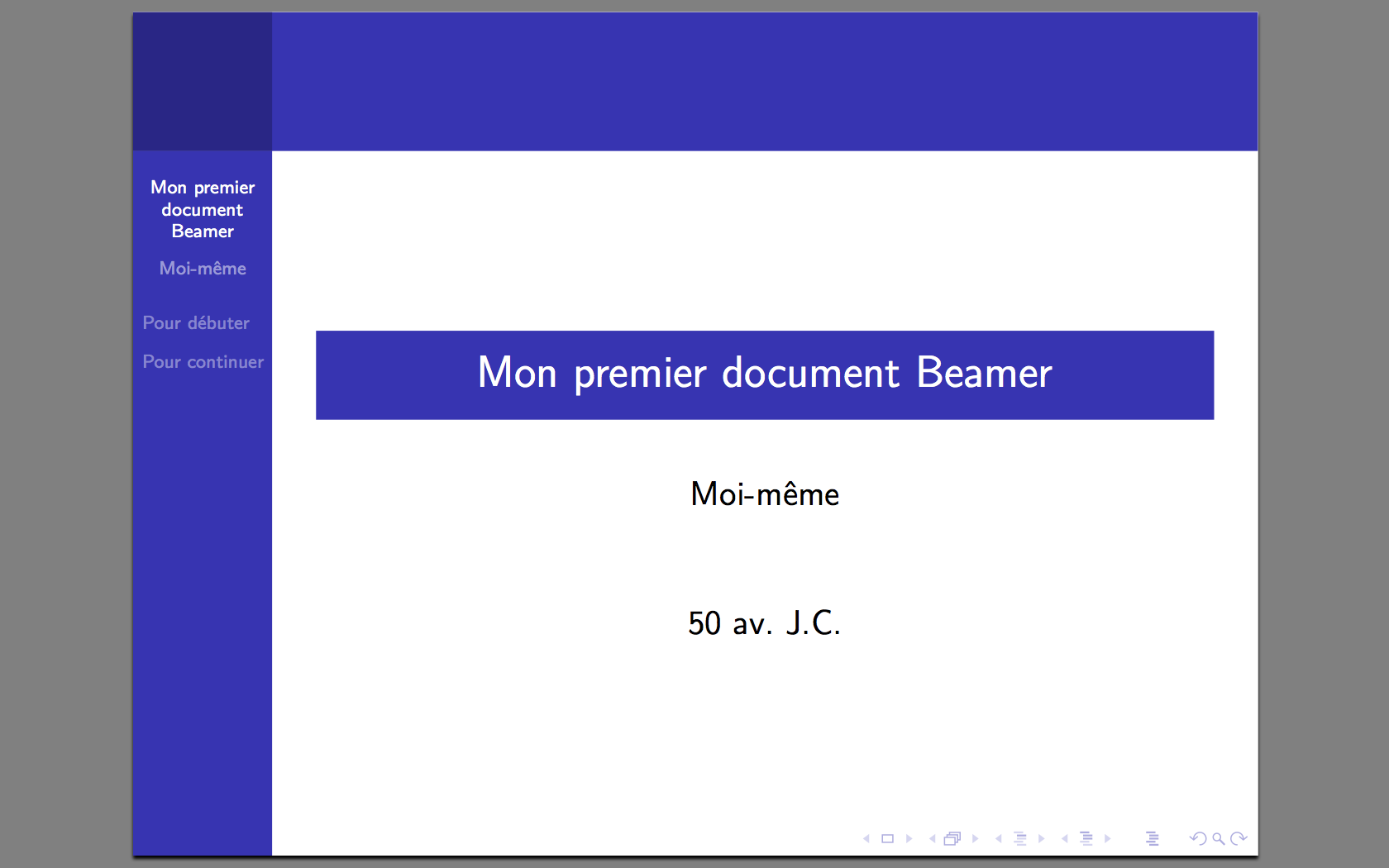
Okay, quick confession time. Remember that time I spent, like, hours tweaking the kerning on my name for a conference poster? Yeah, total time suck. But hey, presentation matters, right? It’s the same feeling I get when I see a really beautiful LaTeX document – specifically, the cover page. It’s the digital equivalent of a firm handshake and a confident smile. It sets the tone, tells you "this document knows what it's doing." And let's be honest, in academia, that's half the battle.
So, let's talk about dressing up our LaTeX babies with fancy front pages, shall we? Think of it as giving your hard work a proper suit and tie (or a chic dress, if you prefer!). We’ll cover image inclusion and cool page-de-garde layouts. Ready?
Why Bother with a Fancy Cover Page?
Seriously, why not just slap the title on page one and call it a day? Well, you could. But…
- First Impressions: The cover page is the first thing anyone sees. Make it count! A well-designed cover page instantly conveys professionalism and attention to detail. (Think of it as your document's online dating profile picture. You want it to be good!).
- Visual Appeal: Let's face it, LaTeX can sometimes look… utilitarian. A visually appealing cover page can break up the monotony and make your document more engaging.
- Information Hierarchy: A dedicated cover page allows you to present key information (title, author, date, institution) in a clear and organized manner. No more cluttered first pages!
Images on the Cover: Let's Get Visual!
Images can add a lot of personality to your cover page. But proceed with caution! You don’t want to turn your thesis into a meme graveyard. Choose an image that’s relevant to your topic or institution. For example:
- Your university logo (always a safe bet!).
- A relevant image related to your research topic (e.g., a microscopic image for a biology paper, a stylized equation for a math paper).
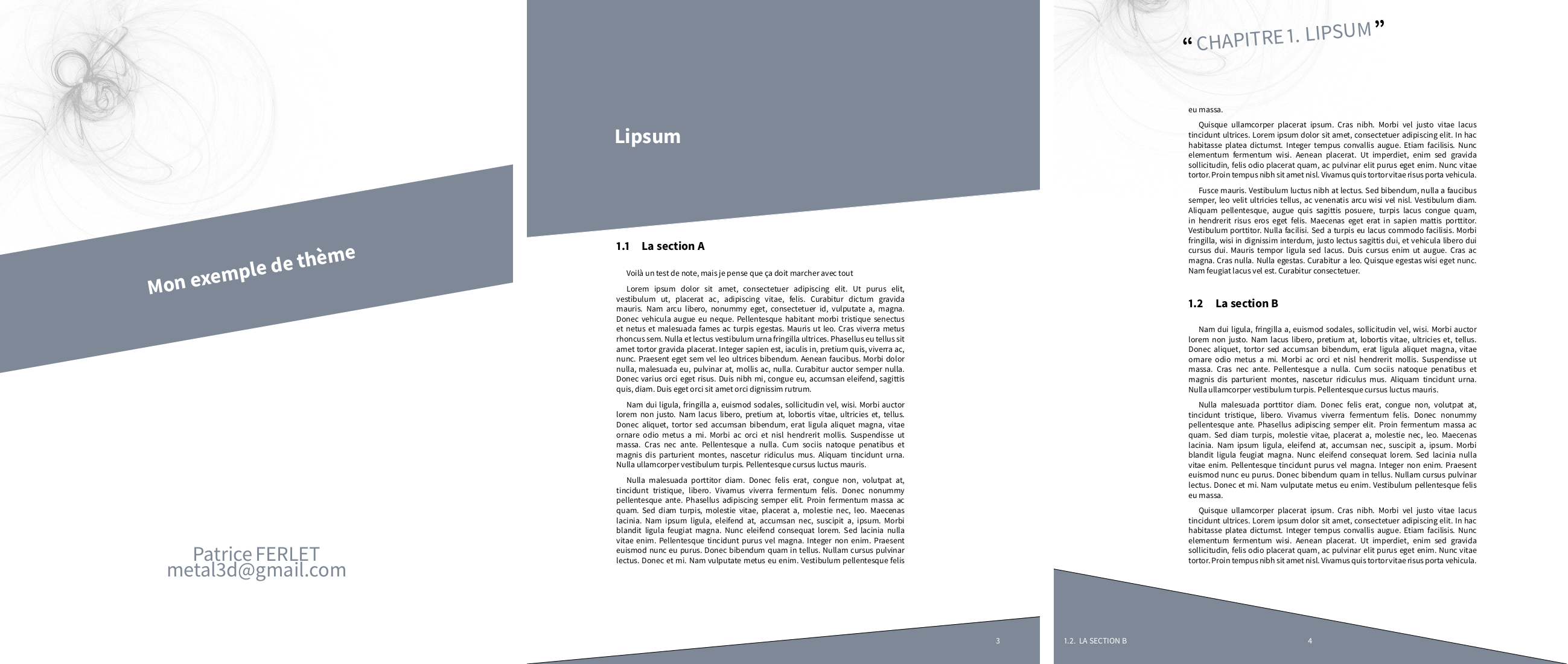
- An abstract background image that complements the text. (Keep it subtle, folks!).
The magic happens with the \includegraphics command. Don't forget to specify the image path and adjust the scale to fit your page. Pro-tip: use vector graphics (.pdf, .eps) whenever possible for crisp, scalable images. Nobody likes a blurry logo!
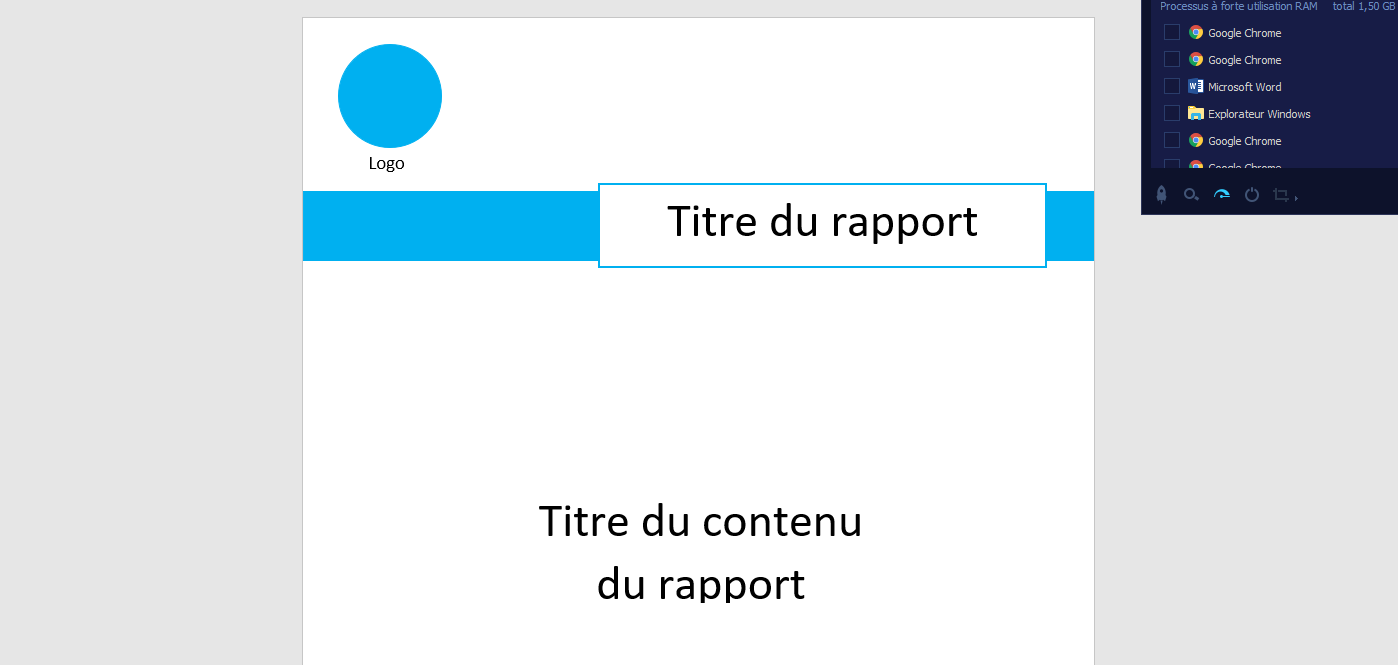
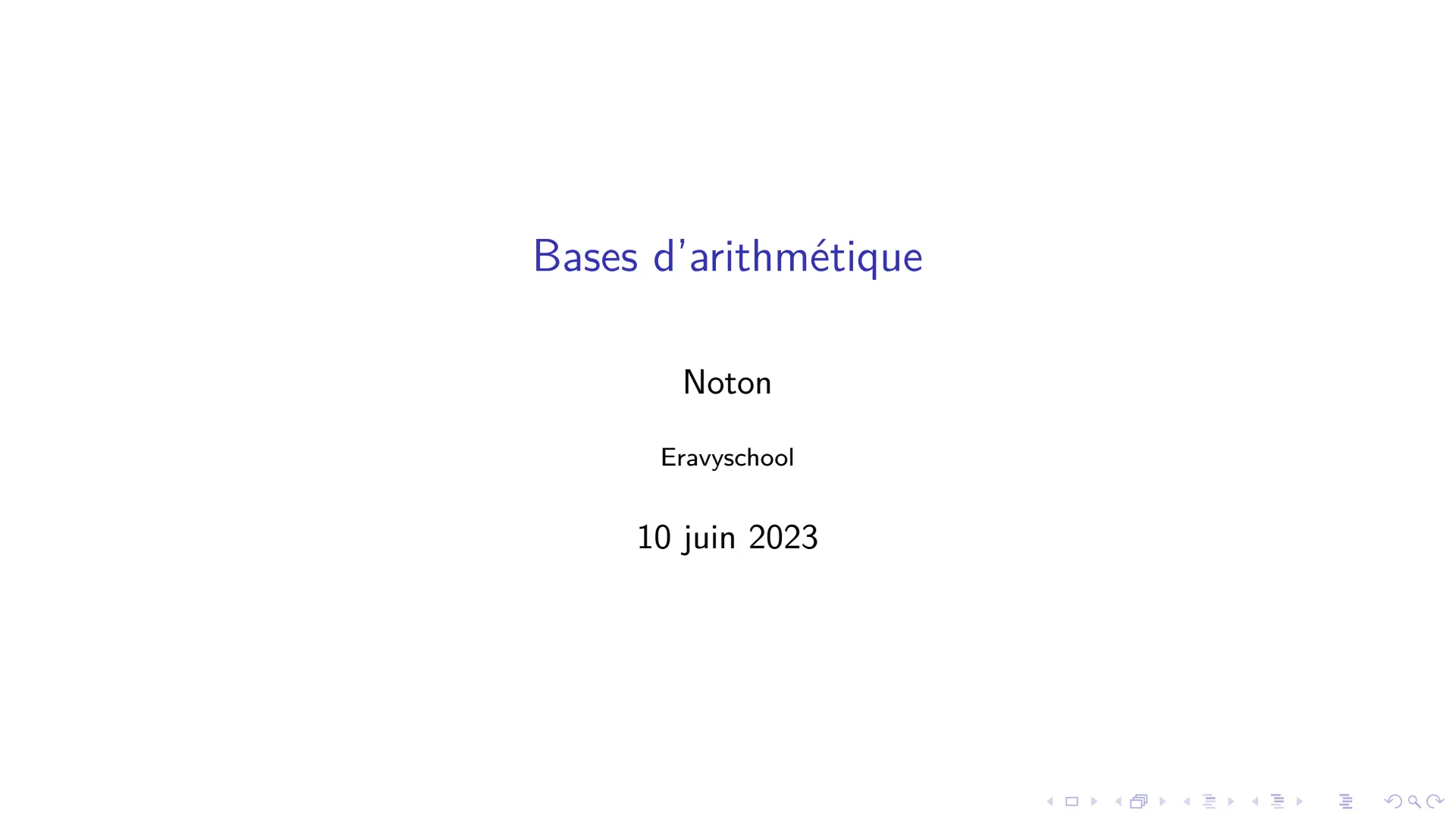
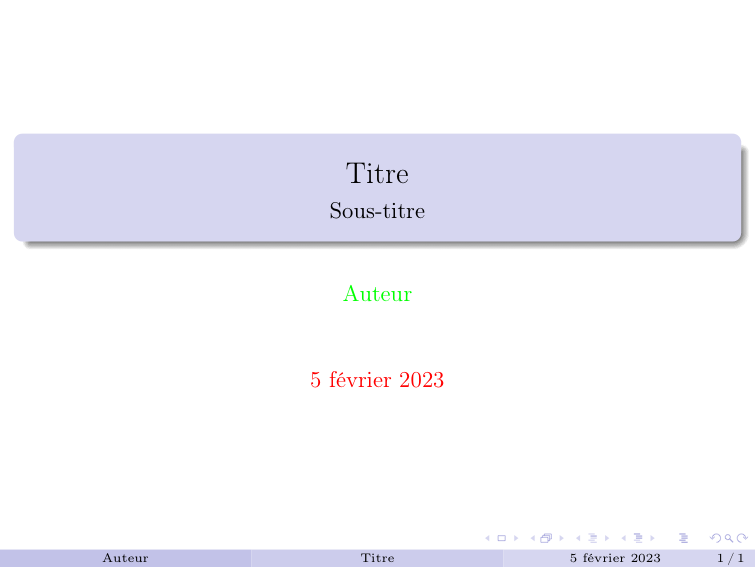
Basic Page-de-Garde Layout with LaTeX
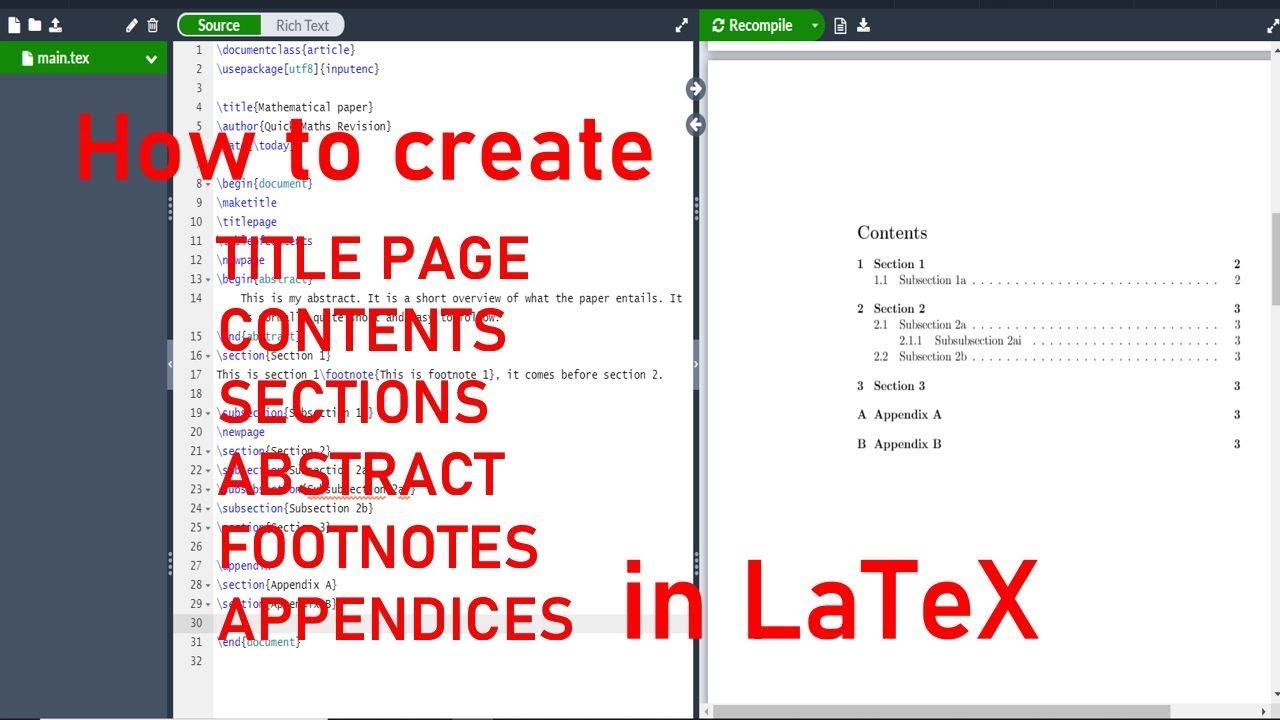
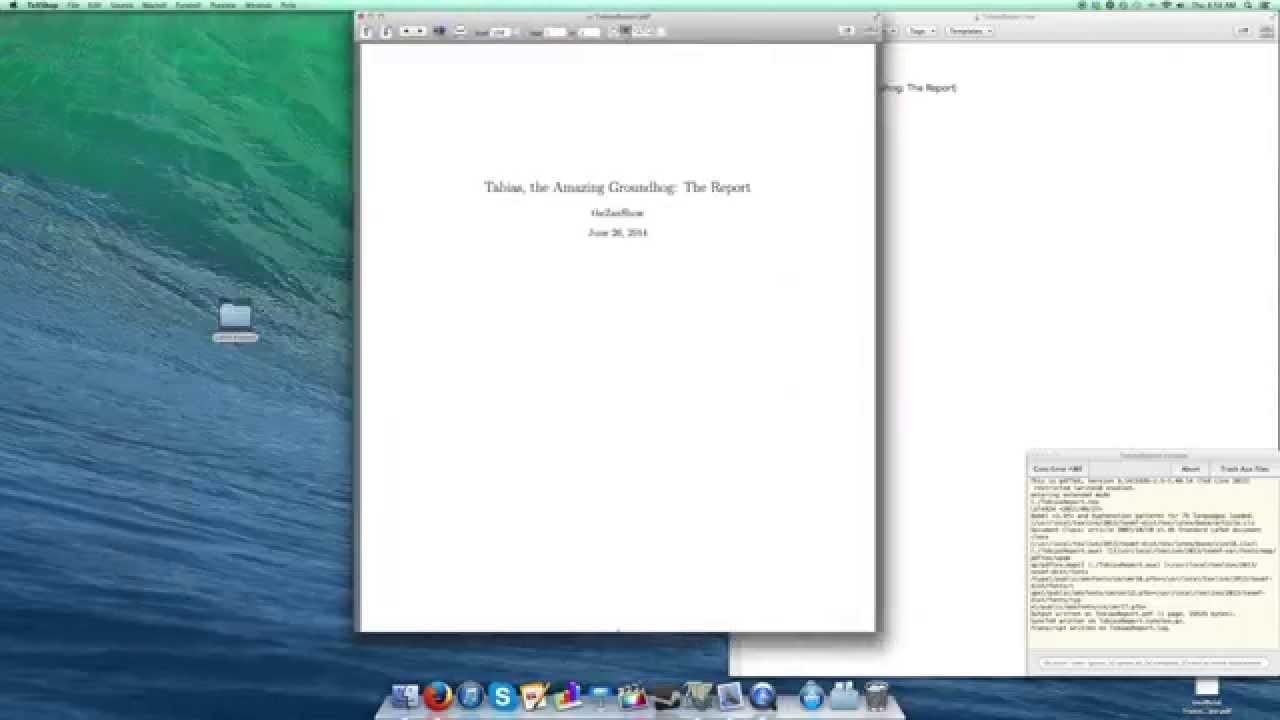
Alright, let's get our hands dirty. Here’s a basic example of a simple cover page using standard LaTeX commands:
```latex \documentclass{article} \usepackage{graphicx} % For including images \usepackage{geometry} % For page layout adjustments \geometry{a4paper, margin=1in} % Adjust margins as needed \begin{document} \begin{titlepage} \centering \includegraphics[width=0.5\textwidth]{your-university-logo.pdf}\\[1cm] % Replace with your image path {\Huge \textbf{Your Amazing Thesis Title}}\\[1.5cm] % Use \textbf for bold text {\Large Your Name}\\[0.5cm] {\large Department of Awesome Research\ Your University\ Date: October 26, 2023} \end{titlepage} \end{document} ```

This is a super basic template, but it shows the fundamental building blocks. You can obviously customize this to your heart's content. Play around with font sizes, colors (if you're feeling brave!), and spacing to create a unique look.
Beyond the Basics: Getting Creative!
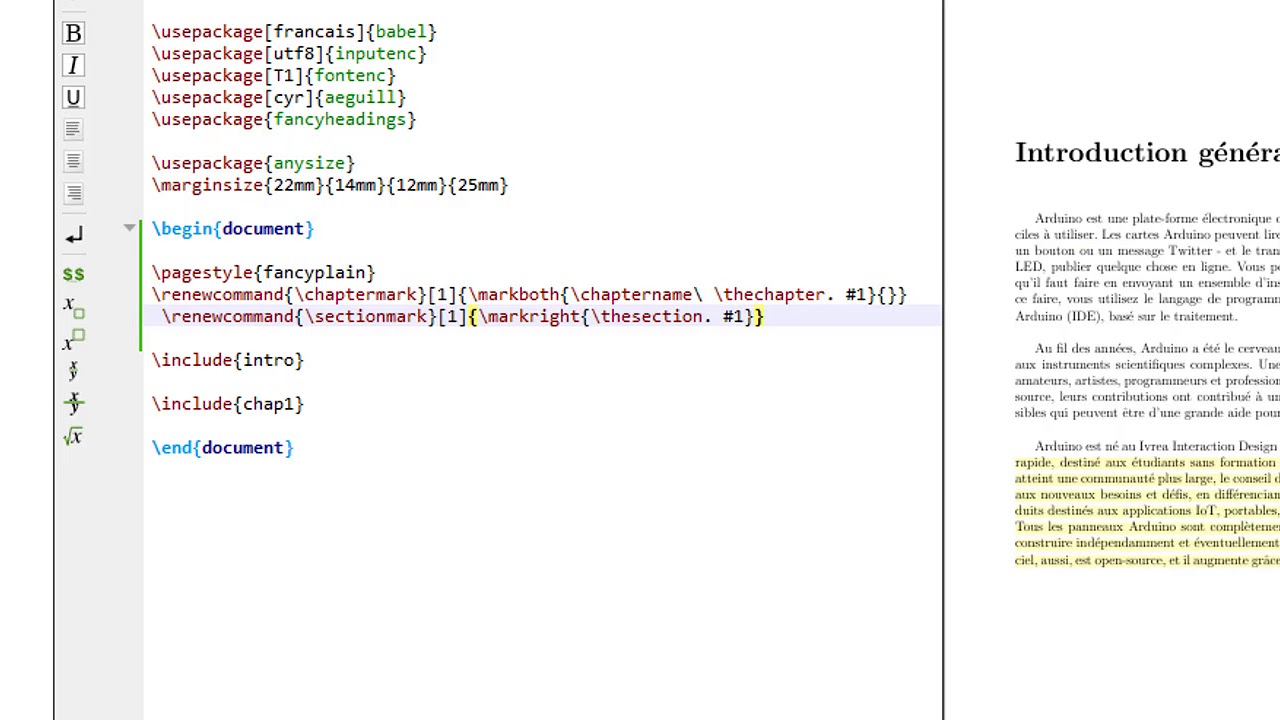
Now that you know the fundamentals, feel free to experiment! Consider using packages like titling or fancyhdr for more advanced customization options. You can also create custom environments to define reusable cover page templates.
Ultimately, the goal is to create a cover page that is both visually appealing and informative. Don’t be afraid to experiment and have fun with it! After all, it's your document's chance to shine! Go forth and create stunning LaTeX covers! And please, send me pictures of your creations! I'm always looking for inspiration.
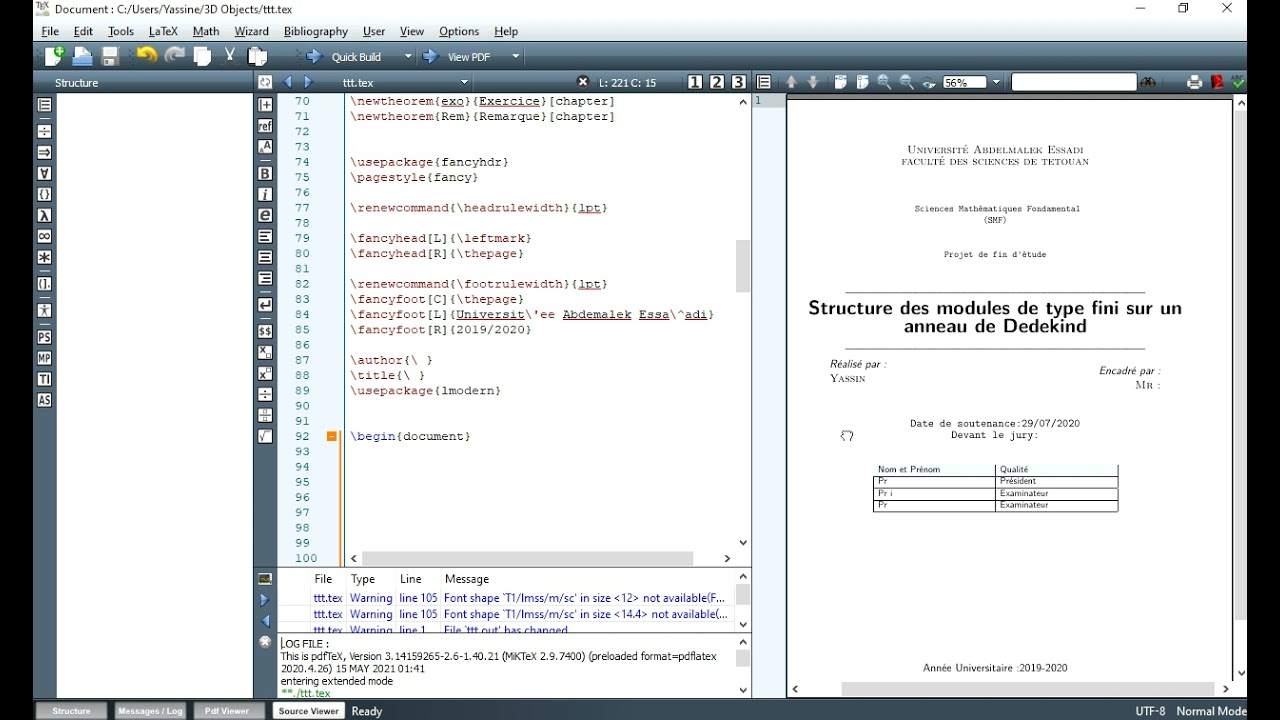







![[Latex ]Exemeple de Page de garde rapport de PFE Latex | Essay cover](https://i.pinimg.com/originals/21/65/0b/21650b51df6956cd078586c44beb8bbc.png)